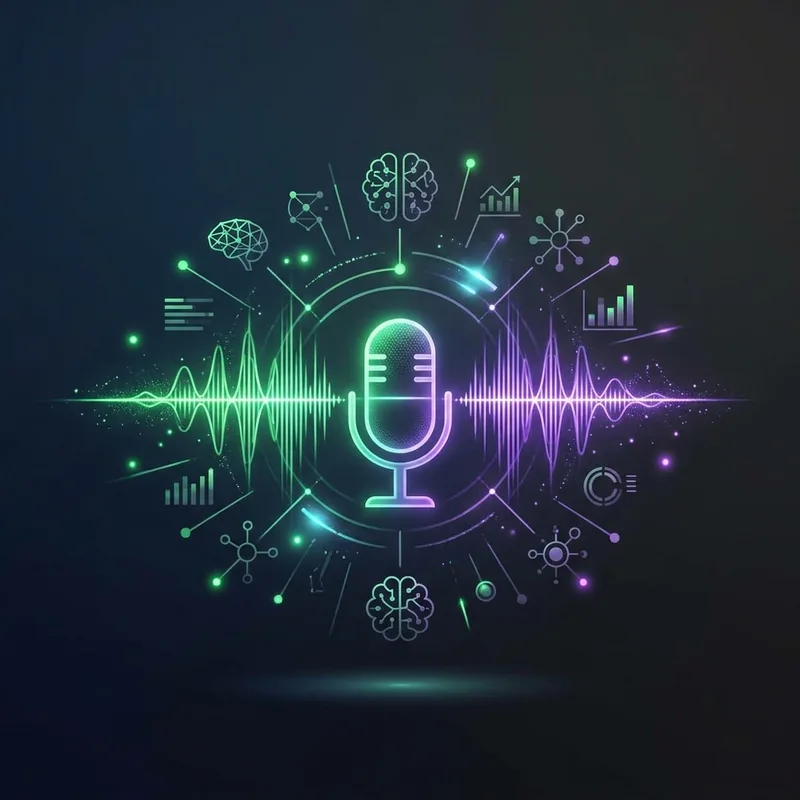
Pakistani customers love voice messages. They'll send a 2-minute voice note instead of typing 10 words. Problem? Most chatbots can't understand voice. Wavvy's AI can.
Why Voice Messages Matter in Pakistan
Pakistan has one of the highest voice message usage rates globally. Many customers are more comfortable speaking than typing, especially in Urdu. Some customers are semi-literate and voice is their only option. If your chatbot can't handle voice messages, you're ignoring 40-50% of inquiries.
How Wavvy Handles Voice Messages
When using Google Gemini as your AI provider, Wavvy can process voice messages. Here's what happens:
- Customer sends voice message on WhatsApp
- Wavvy receives the audio file
- Gemini AI listens and understands the content (Urdu, English, or mixed)
- AI generates appropriate text response
- Response sent back to customer via WhatsApp
Which AI Supports Voice?
Currently, Google Gemini is the best option for voice message understanding. It handles Urdu, English, Punjabi, and mixed-language voice notes. Enable "Voice Message Understanding" in your AI Assistant settings when using Gemini.
Setting It Up
1. Go to Sessions → Select your WhatsApp number → AI Assistant
2. Choose Google Gemini as your AI provider
3. Enter your Gemini API key
4. Enable "Voice Message Understanding"
5. Write your system prompt (include instructions for voice queries)
6. Save and test by sending a voice message to your WhatsApp number
Real-World Example
Customer sends voice note in Urdu: "Bhai mujhe wo blue wali kurta chahiye, size large hai, delivery Rawalpindi mein hogi, kitne ka hai?"
AI understands and responds: "Assalam o Alaikum! Blue Kurta (Large) - Rs. 2,800. Delivery to Rawalpindi: Rs. 250 (2-3 days). Total: Rs. 3,050 COD. To order, send: ORDER"
Voice message AI is a game-changer for Pakistani businesses. Your customers speak naturally in Urdu, your AI understands and responds intelligently. No more missed voice messages, no more "sorry I didn't hear your note". Enable it today — takes 5 minutes.