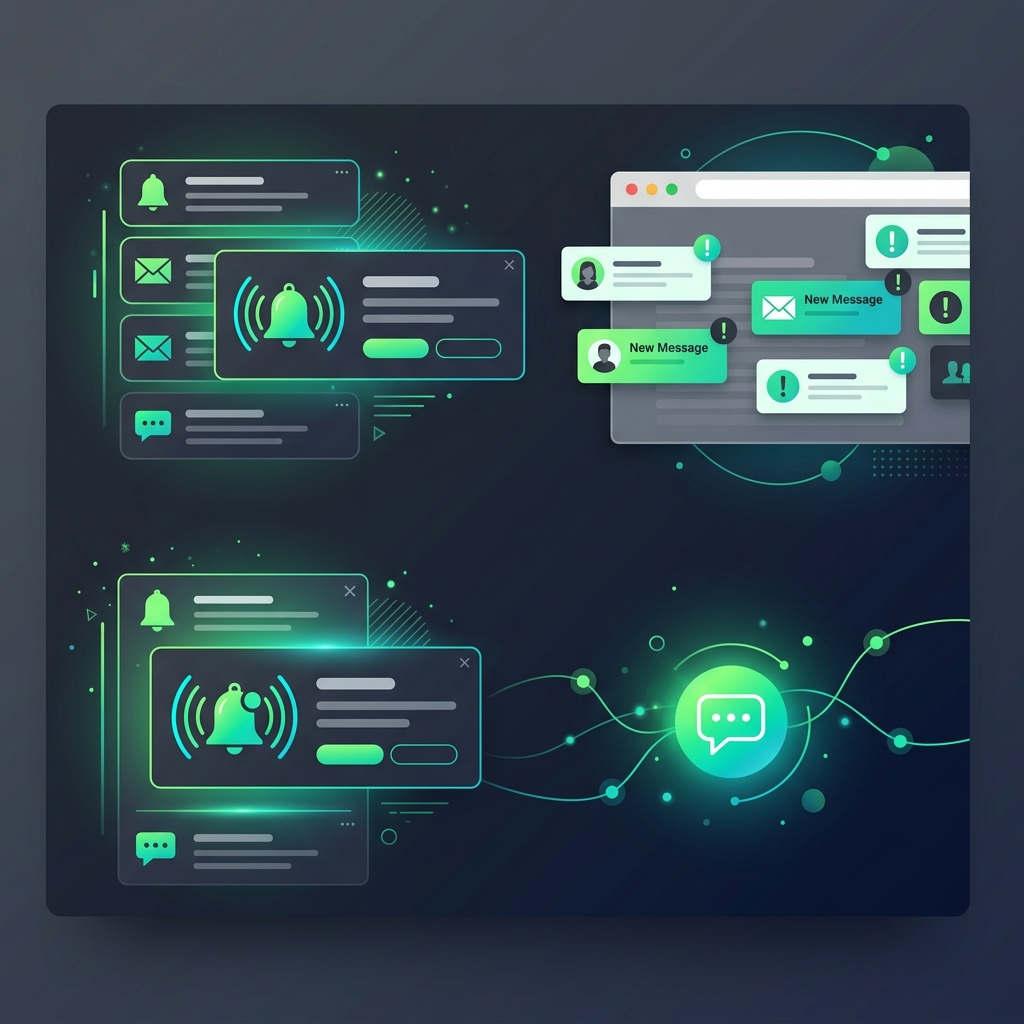
Customer sends urgent message at 3 AM. AI handles it. But what about messages that need human attention? Push notifications ensure you never miss an important conversation, even when you're not on the dashboard.
Why Push Notifications?
You have AI chatbot handling most conversations. But sometimes the AI can't help — customer wants a refund, has a complaint, or asks something the bot wasn't trained for. The AI says "let me connect you with my team." But how does your team know? Push notifications.
Browser Push Notifications
Wavvy uses Web Push technology. When enabled, you receive desktop notifications in your browser — even when you're on a different tab or minimized the browser. A notification pops up: "New message from Ahmed on +92 300 1234567". Click it, go straight to the conversation.
Setting Up Push Notifications
1. Log into your Wavvy dashboard
2. Your browser will ask "Allow notifications?" — click Allow
3. That's it. You'll now receive notifications for new messages, campaign completions, courier status changes, and system alerts.
What Gets Notified?
- New Messages: When customers send messages that need human attention
- Campaign Updates: Campaign completed, paused due to error, etc.
- Session Alerts: WhatsApp session disconnected or reconnected
- System Events: Plan expiry reminders, usage limits approaching
Notification Center
All notifications are also stored in Wavvy's Notification Center. Click the bell icon in your dashboard to see all notifications. Mark as read, clear old ones, and keep track of everything that happened while you were away.
Team Setup
Each team member who logs into Wavvy can enable push notifications independently. Sales team gets notified about sales inquiries. Support team gets notified about support issues. Everyone stays in the loop without noise.
Mobile Access
Push notifications work on mobile browsers too. Add Wavvy to your home screen, enable notifications, and receive alerts on your phone. You're always connected to your WhatsApp business even when you're away from your desk.
Automation handles the routine. Push notifications catch the exceptions. Together, they ensure every customer is taken care of — the AI handles 85%, and you're alerted for the 15% that needs a human touch. Enable notifications today. It takes 3 seconds.